

Nothing stings quite like buyer’s remorse, especially when you discover that shiny new tech you just purchased won’t work with your existing setup.
One Miami man learned this lesson the hard way after splurging on Apple’s latest AirPods, only to find out that the feature he wanted most requires an expensive phone upgrade he wasn’t planning on making.
It’s a classic Apple move: release a cool new feature that only works if you have their latest and most expensive devices, leaving customers with slightly older hardware feeling like they need to upgrade everything just to use one new function.
Why New AirPods May Not Be Worth It
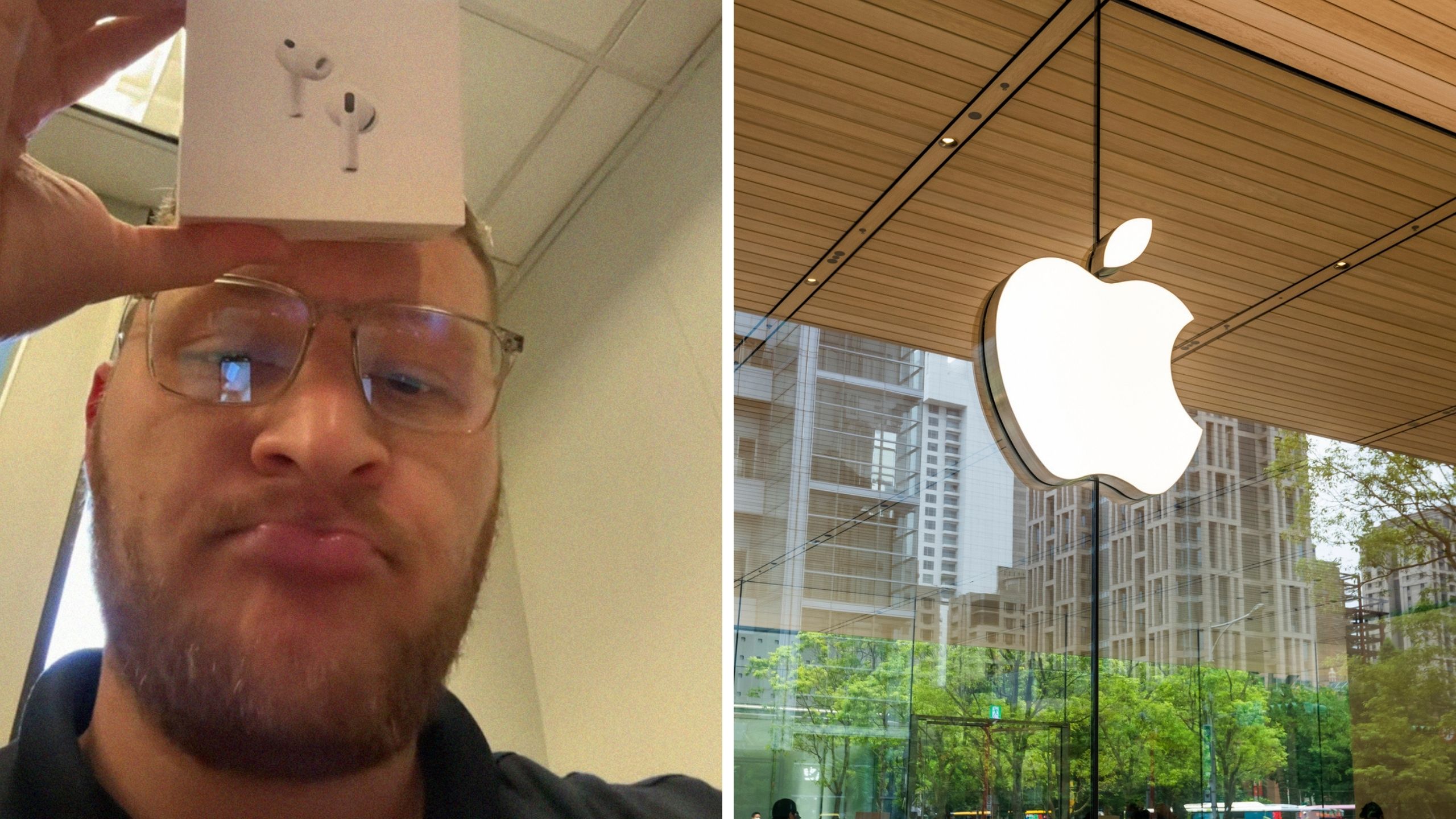
In a viral video with more than 48,000 views, content creator Kenny Sanchez (@kennysannnchez) shared his frustrating discovery about Apple’s newest AirPods.
The Miami resident explained that he purchased the new AirPods specifically for their translation feature but quickly learned there was a catch.
“So just a heads up, if you bought the new AirPod 3s for the translation feature and you don’t have an iPhone 15 or higher, it’s not gonna work,” he said. “You need a 15, an iPhone with the Apple Intelligence, to be able to use the feature. So just an FYI, peeps.”
In the caption, he said he wanted to give people a “little heads up because I didn’t know.”
What Is Apple’s New Live Translation Feature?
Live Translation is Apple’s new feature that’s supposed to help you communicate with people who speak different languages, the tech giant announced earlier this month. You can use it when texting, on phone calls, during FaceTime, or even when talking to someone in person if you have the newest AirPods.
Apple Intelligence beta supports the following languages: English, French, German, Italian, Portuguese (Brazil), Spanish, Chinese (simplified), Japanese, and Korean
Here’s how it works:
- In messages, it translates what you’re typing before sending it.
- On FaceTime calls, you see live captions of what the other person is saying while still hearing their actual voice.
- During phone calls, it speaks the translation out loud in real time.
If you have AirPods Pro 3, you can activate them by pressing both stems at the same time, asking Siri to start them, or using your iPhone’s Action button. The noise cancellation even dims the other person’s voice so you can focus on hearing the translation.
Does It Really Only Work With iPhone 15 And Up?
Live Translation only works with any iPhone that can run Apple Intelligence, so you’ll need an iPhone 15 Pro, iPhone 15 Pro Max, or any model from the iPhone 16 or iPhone 17 lineups. So if you have a regular iPhone 15 (not Pro), you’re also out of luck, Engadget explained.
For the AirPods themselves, you need models with Apple’s H2 chip, which includes AirPods 4 with Active Noise Cancellation, AirPods Pro 2, and AirPods Pro 3.
But Apple Intelligence is still in beta, and the company warns that translations “may be inaccurate, unexpected, or offensive.”
So even if you have all the right hardware, the feature might not work perfectly yet.
Commenters React
“That’s actually really important information, thanks,” a top comment read.
“I bought it for the sound quality I know what Hola means,” a person said.
“Thanks truly thank you bc i have a 13 lol,” another wrote.
“I heard the feature doesn’t work that well anyway. Apple will not perfect the translation until the 3rd or 4th version. They have to bread crumb their customers,” a commenter speculated.
BroBible reached out to Sanchez for comment via Instagram and TikTok direct message and to Apple for comment via email. We’ll be sure to update this if they respond.