



iStockphoto / Nikolas_jkd / MacroFactor
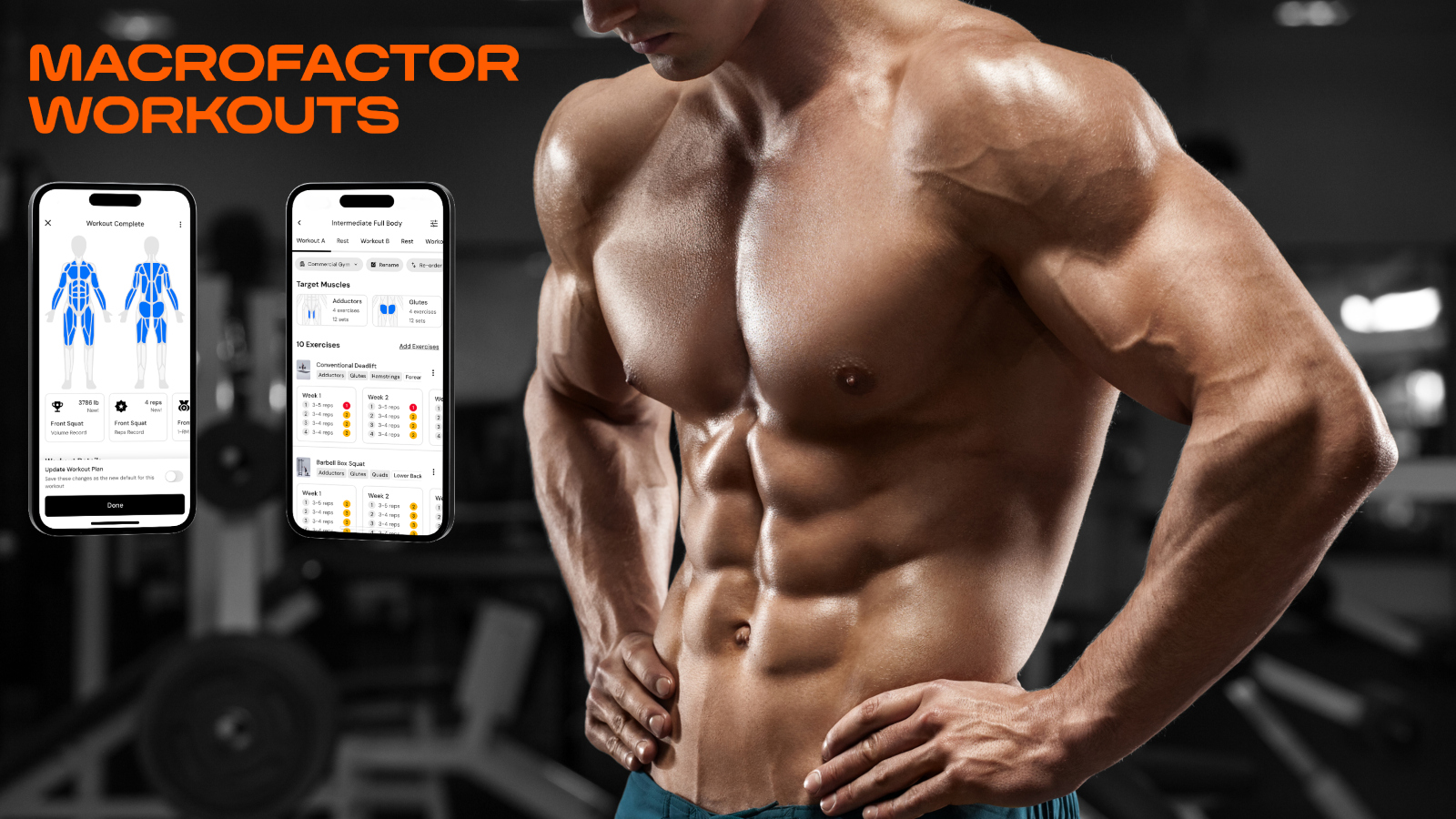
MacroFactor Workouts app next to a man with six pack abs in the gym
The days of logging every workout on pen and paper in a sweaty notebook to track progression are long gone. While some of you out there may be nostalgic for the pre-app gym era when tracking gains the old fashioned way was the norm, I am here to tell you that the future is now and apps are infinitely better in every way.
Determining which weight lifting app is best for you really is not all that complicated. I’ve used the two most popular weight lifting apps on the market, MacroFactor Workouts and HEVY, and wanted to break down why I prefer the former over the latter.
Download the MacroFactor App For iPhone or Android – use code ‘brobible’
MacroFactor versus HEVY: Which Workout App Is The Best?
I previously used the HEVY App for tracking all my workouts and was a big fan until MacroFactor Workouts was released in January of this year and I made the jump and never looked back.
At their cores, MacroFactor Workouts and HEVY are both apps used to track workouts. Where they differentiate is MacroFactor Workouts places a major premium on smart progression and progression management.
While HEVY shows you a great graphical representation of your recent workouts so you can see if you are missing any muscle groups, and determine your overall weight training load, it stops short of pushing you further. That is where MacroFactor Workouts truly shines by encouraging you to level up at a safe rate, leading to pushing heavier weights and greater hypertrophy.
Download the MacroFactor App For iPhone or Android – use code ‘brobible’
Which App Is Best If I’m Looking For New Weight Lifting Routines?
iStockphoto / Jun / MacroFactor
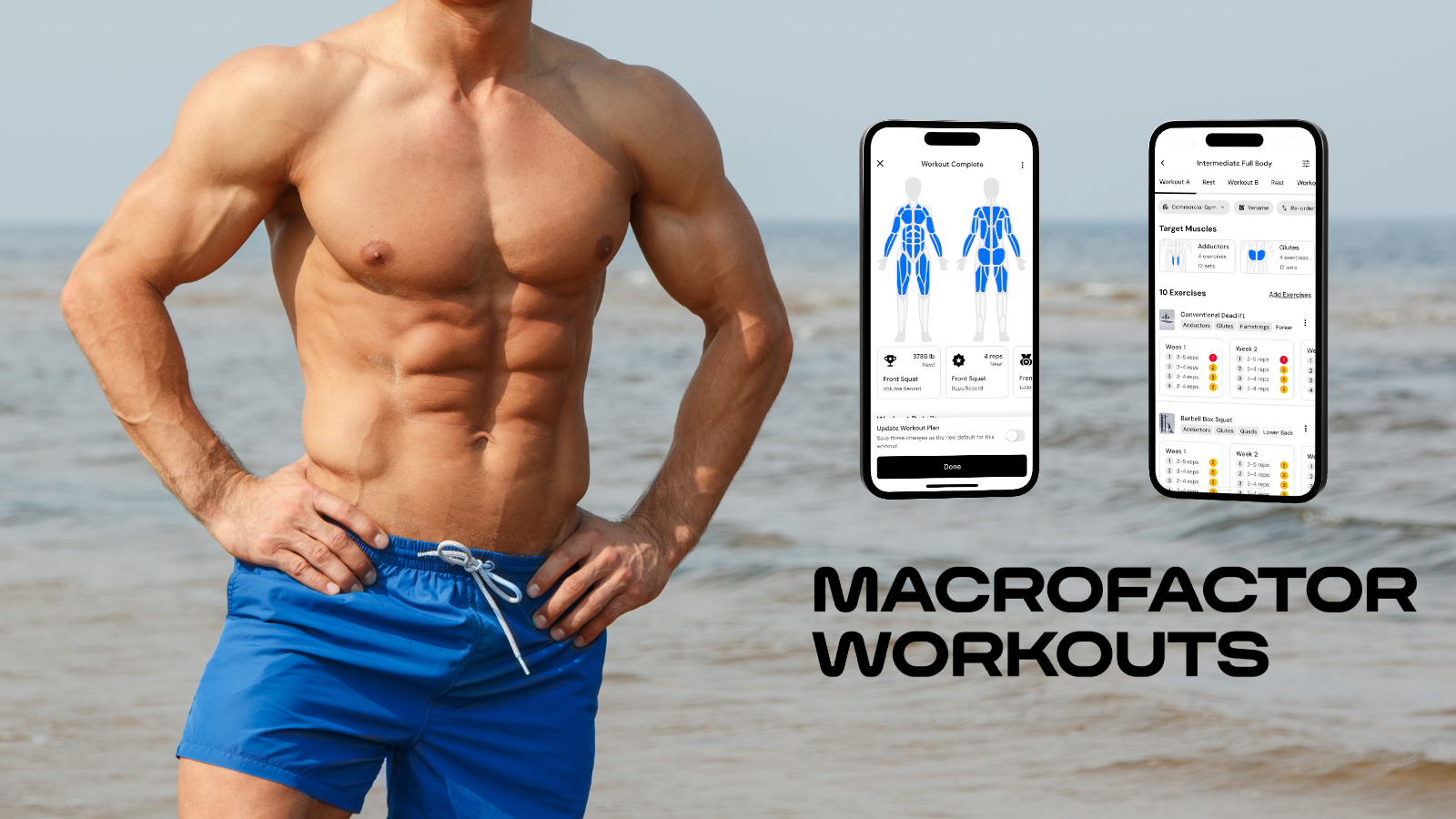
MacroFactor Workouts app next to six pack abs at the beach
Both apps, MacroFactor Workouts and HEVY, have/offer workout routines to choose from but they differ a ton. The HEVY app features lifting templates and existing routines, and you can follow other users to mirror their routines, but it will not create a fully customized weight lifting circuit for you based on your needs and available gym equipment.
Within the MacroFactor Workouts App, it presents you the option to create your own custom workout routine or allow the MF Workouts app to create the routine for you. When I first downloaded the app I did both… I set up my upper/lower body split workouts I’d been doing to fall back on whenever I wanted but also creating new routines using the MacroFactor Workouts AI.
I plugged in all of the available equipment at my disposal, between my gym(s) and home equipment, and picked the muscle groups I wanted to place extra emphasis on, and voila! It pumped out 4 workout routines that were not only incredible, they differed a ton from the existing lifting routine I’d been doing for months on HEVY so I was able to hit the same muscle groups in new ways.
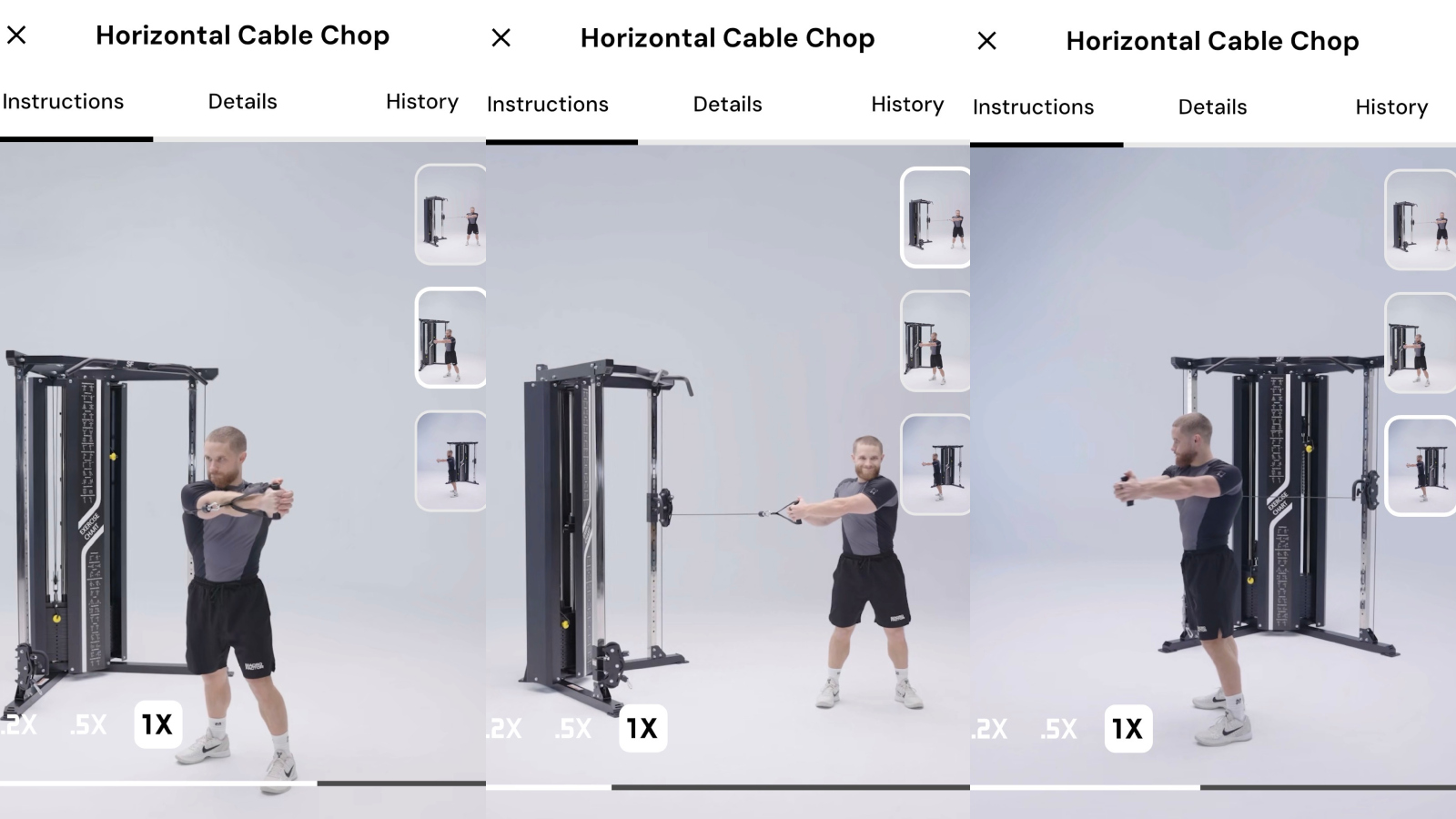
Another incredible feature of MacroFactor Workouts is how every exercise I selected/was assigned had an accompany video from MacroFactor co-founder Jeff Nippard demonstrating how to do the exercise. There’s no reason we should all be expected to know every type of lift under the sun. Jeff should though! And his videos have been an enormous help on the MacroFactor Workouts app.
Download the MacroFactor App For iPhone or Android – use code ‘brobible’
Which App Is Best For The Analytics-Minded Lifter?
MacroFactor Workouts / Jeff Nippard
I’m the type of person who cannot ever have enough data. Give me every tiny detail, every data point, and let me see the complete picture while also parsing out areas of improvement and where I might be deficient.
On HEVY, I absolutely loved the graphics showing how I had lifted the equivalent of the Statue of Liberty several times over throughout the course of a year. And the graphics showing my full body results of how each muscle group was being exercised.
But on MacroFactor Workouts, the progression-focused analytics has been an immense help. I’ve gotten stronger and I have done it faster and safer than I was before when I was following my own direction with guidance from the HEVY app.
What does ‘progression-focused analytics’ even mean exactly? Well, when you’re using the MacroFactor Workouts app it suggests when you should add more weight, more reps, additional sets, and it tempers how quickly/slowly you progress based on your actual results. If you are comfortably bicep curling 50lb dumbbells then the app will push you to move up further but it will start with heavier weight at lower reps and then move you back to lighter weight at more reps, and then assess how you did based on the results.
‘I’m Still Torn On Whether To Pick MacroFactor Workouts Versus HEVY’

Cass Anderson / BroBible
MacroFactor Workouts App in action
At the end of the day, both apps are fantastic. HEVY has a large social component where you can follow friends/influencers and leech off their lifting routines. If that matters to you I totally understand. But there’s also Strava (and Instagram) for sharing your gains.
MacroFactor operates on a subscription based model. You will get the first 2 weeks free using our promo code and that should be ample time to decide if it is right for you. While the HEVY App has both a free and premium tier. Their free tier allows for 4 custom workout routines that you set yourself and the data it stores is limited to a couple of months.
While both apps will help you track your gains in the gym, one of them will push you further than the other and in a safer manner. Whether you are a novice lifter or someone who has been resistance training for the past decade, that can be crucial in helping your reach new gains this Summer.
If you are ready to get started with MacroFactor Workouts, you can download the app by following any of the links throughout this article. Using the promo code ‘BROBIBLE‘ you will receive a 2-week free trial. That is ample time to know whether or not this will be for you. I use it, I swear by it, and I would not recommend this to you all if it wasn’t something I believed in.