



BroBible / MacroFactor
The MacroFactor App has changed the lives of countless users. It streamlines body recomposition and fat loss in a way that really hasn’t been possible until now due to the app’s best-in-industry speed, accuracy, and dynamic algorithm.
I have written a ton about how incredible the MacroFactor app is but today I wanted to focus specifically on six features that every MacroFactor power user should be utilizing in order to get the most out of the app each day.
Download the MacroFactor App For iPhone or Android – use code ‘brobible’
6 Hacks Every MacroFactor Power User Should Be Taking Advantage Of
Call it ‘hacks,’ functionality, tools, whatever… These are six things that will ensure you get the most out of the MacroFactor app during your fat loss journey. Striving for consistency day after day is key in the body recomp process and I want to make sure you aren’t spinning your wheels along the way and reach your goal as quickly as possible.
1. The All-New AI Food Logging
BroBible / MacroFactor
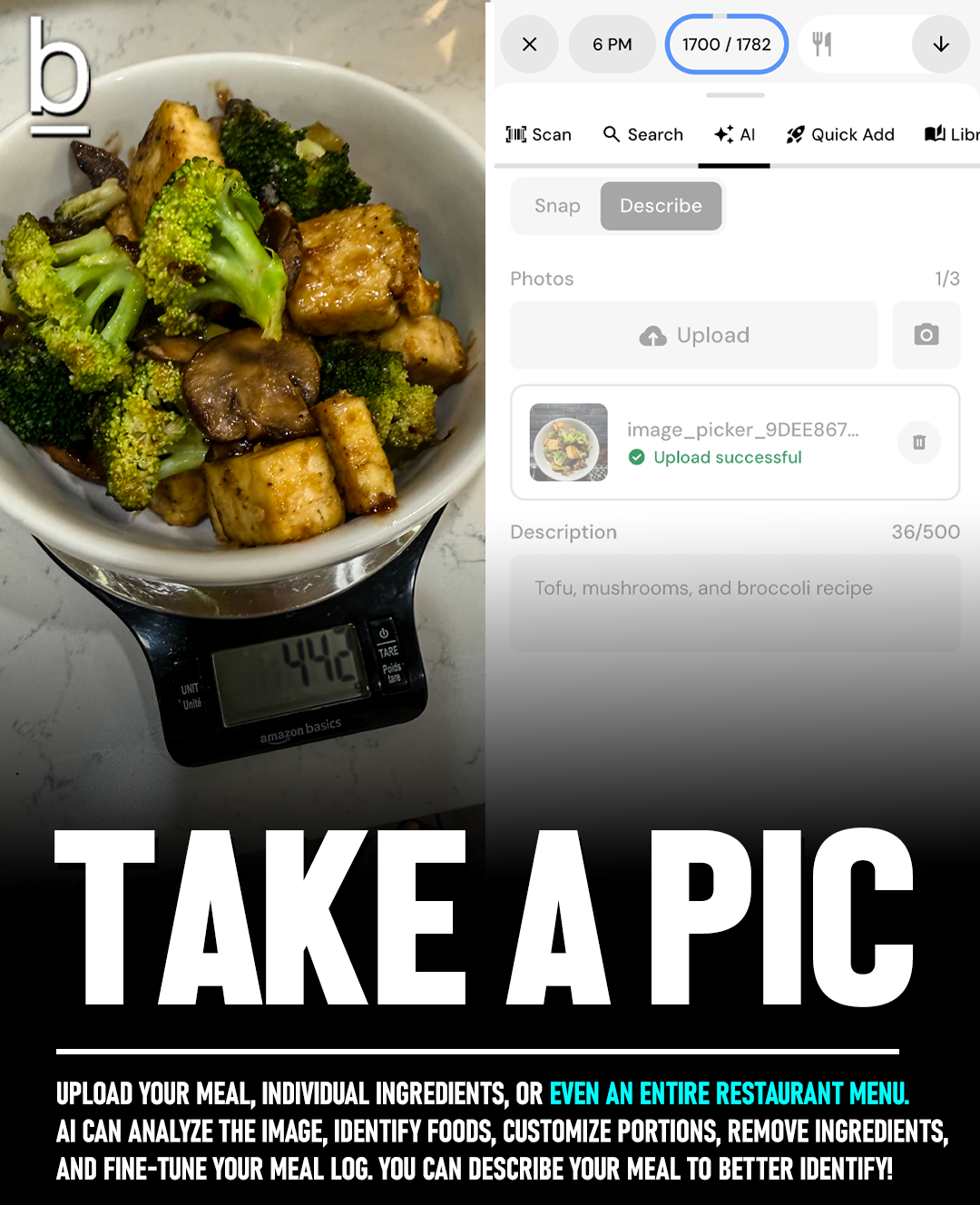
MacroFactor has had AI food logging for a while now but their entire system just got a massive upgrade and if you’re a MF’er but not using the new AI logger you are missing out big time. Before, you would snap a photo and their highly-accurate AI system would estimate the items and calories. I loved using it but the new AI logger is such a massive upgrade it is night and day.
With the new 5.5.7 release, MacroFactor streamlined AI tab you can upload a photo or take a new one using your phone’s camera directly within the app. There is a ‘Describe’ tab there for you to write what you know about the dish. For example, a description might read something like ‘two tacos al pastor with no cilantro and wheat tortillas’ or ‘smoked pork butt with BBQ rub applied before, no sauce, and a side of baked beans.’ If you are logging it from a recipe you can name the specific recipe and specify how much of it you ate and if you added/removed any ingredients. Really, the more data and information you can provide the app the better.
This is CLUTCH for eating on the go. I haven’t been on any trips in the past two months but my schedule is about to get crazy busy in the weeks ahead and the new Snap + Describe AI logger is how I’ll navigate constant restaurant meals while traveling to keep myself as accountable as I can.
Download the MacroFactor App For iPhone or Android – use code ‘brobible’
2. Using A Food Scale At Home
iStockphoto / Svetlana-Cherruty
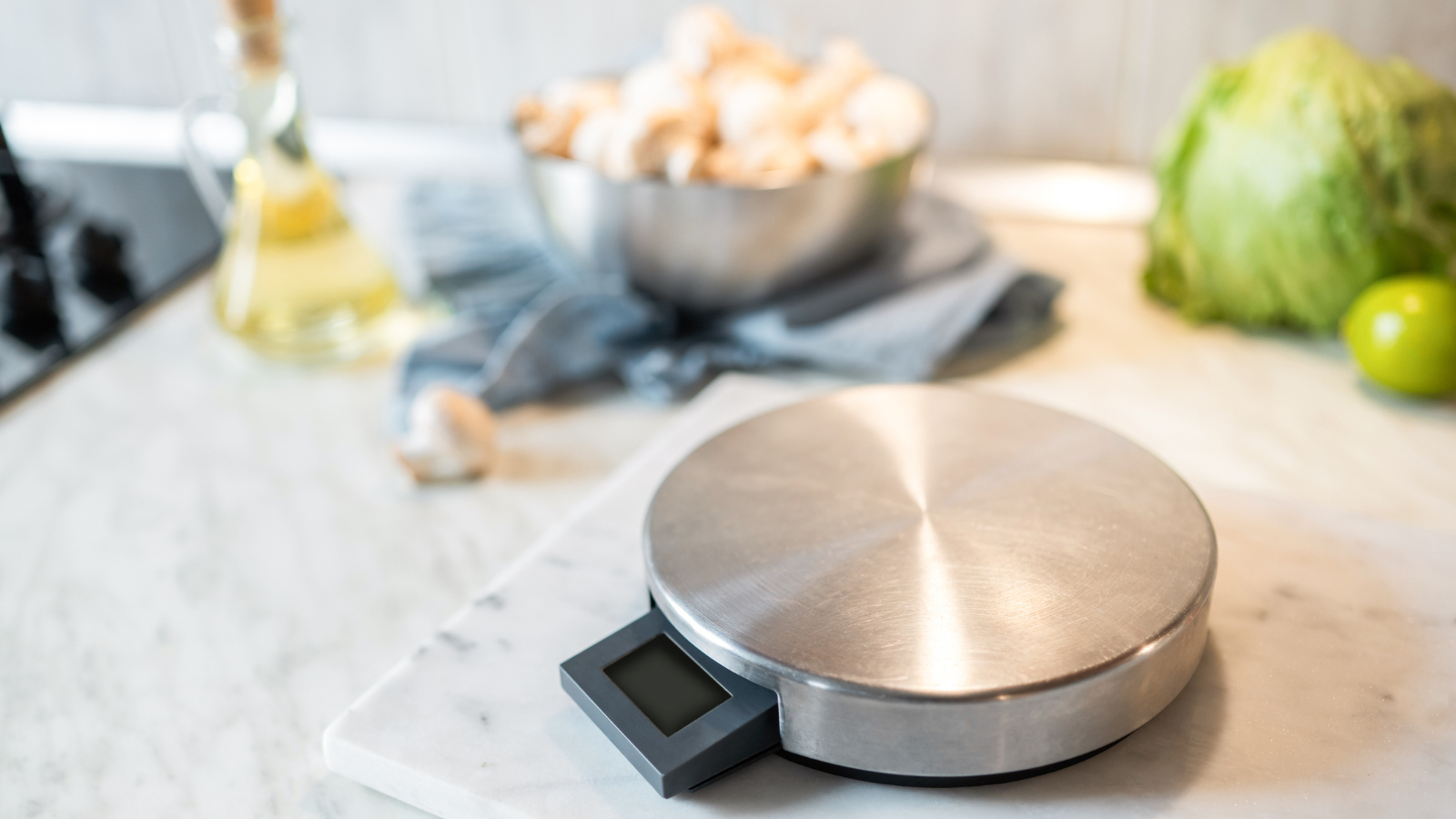
When I first started using MacroFactor and logging my meals I thought the idea of using a food scale to measure things out sounded borderline insane. My wife was already using one for all of her daily recipes. We both work from home and it just sits on the counter. Over time I came around to the idea of using it for things like taco night when the amount of chicken, beef, or turkey I was putting into tacos was variable. And it didn’t take long after that for me to realize just how valuable using a food scale can be.
The fact of the matter is that we as human beings are not particularly great at estimating grams/ounces when it comes to food unless we work in a kitchen where meal prep/cooking is part of our jobs. When it comes to snacks… a handful here, a handful there. That all adds up. And you can type ‘handful of (insert snack here)’ into the MacroFactor ‘describe’ logger and it will pull up a recommendation but let me give you an example of how far off the calories can be without weighing.
The viral ‘Hot Honey Ground Beef Bowl’ blew up last year. The ingredients in that recipe are Sweet Potatoes, Ground Beef, Taco Seasoning, Avocado, Cottage Cheese, and Hot Honey.
When I make this recipe at home I typically go with 4oz of 90% lean ground beef which is 199 calories. 5 ounces would be 249 and 3 ounces would be 149 kcals. That’s a swing of nearly 100 kcals by eyeballing it. I go with ~50g of avocado which is 80 kcals but an additional spoonful and that can easily be bumped up to 120 kcals. Roasted sweet potato isn’t particularly calorie-heavy but 1 cup of Good Culture cottage cheese is 160 kcals while half a cup is 80. One tablespoon of hot honey will run you around 70 calories.
Eyeball all of that and you are looking at a potential range of variability around 250+ calories if you over estimate. Hence why I think having a food scale on hand for cooking at home is great. It also teaches you how to better gauge the grams/ounces of food items when you aren’t at home as you get familiar with seeing amounts on the scale. So while it might seem extreme at first to use a food scale it really is valuable in the long run.
3. Utilizing ‘Favorites’
Cass Anderson / BroBible
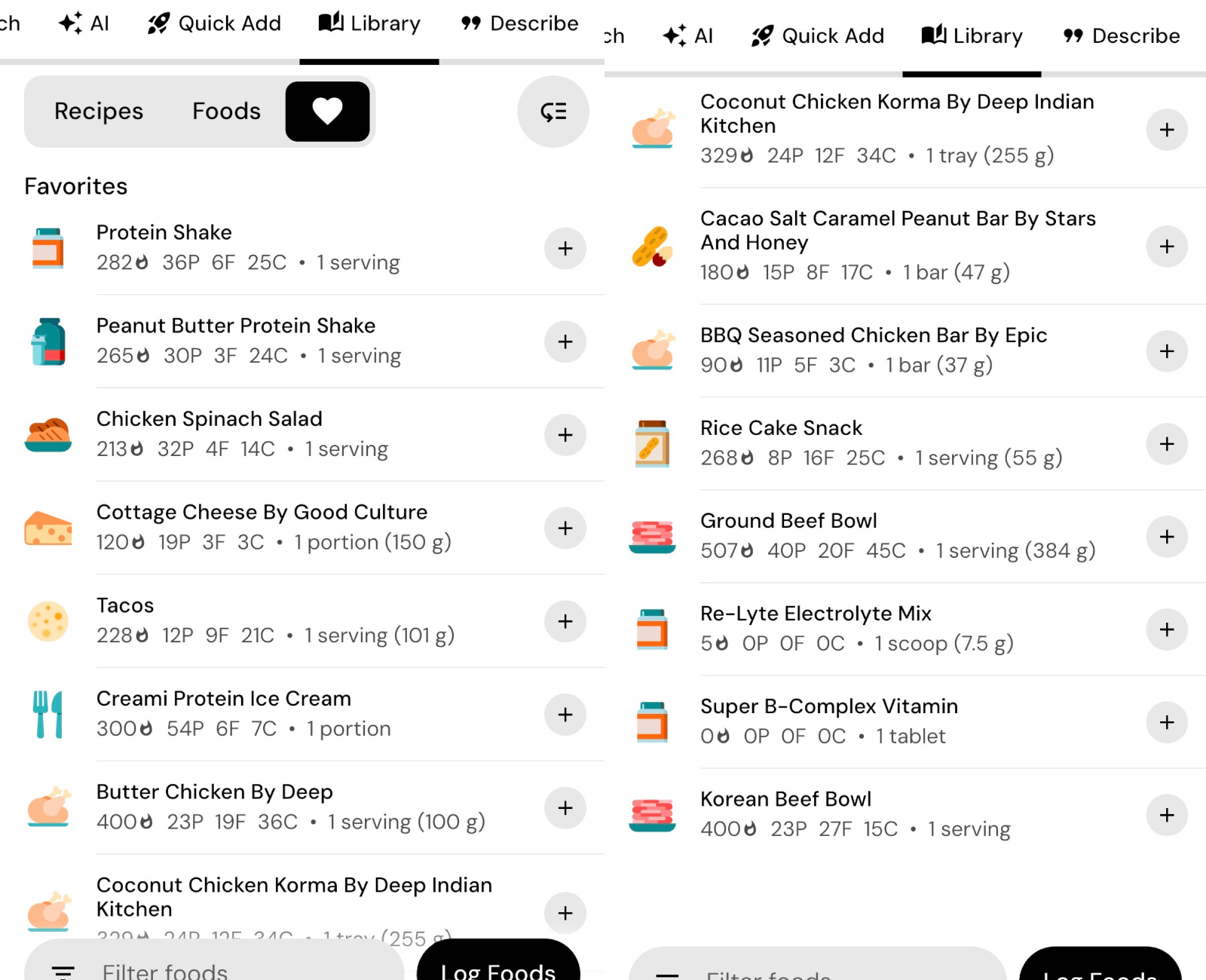
I am very much a creature of habit Monday through Friday afternoon. This isn’t the norm for everyone, I know. But I have a lot of control over my daily diet and when it comes to logging in MacroFactor I have a pretty good sense of what my morning looks like most days: a mixed berry protein shake and single serving of 2% Good Culture cottage cheese. That totals out to 393 calories, 50 grams of protein, 7 grams of fat, and 30 grams of carbohydrates.
I know that because I’ve saved my smoothie recipe and the cottage cheese to my favorites and can quickly add them each morning without having to type in the ingredients day after day. Sometimes when I’m feeling ambitious I will even pre-log them for the days ahead knowing that’s what my breakfast looks like every day.
Saving ‘Favorites’ really streamlines food logging if you eat the same snacks, lunch, etc. And it can take out a lot of the guesswork if you know exactly what goes in there because you save it once and repeat. I have no less than 15 different Ninja Creami ‘protein’ ice cream favorites saved from custom recipes in my app as I like to mix things up each night but we’ll get to recipes next!
Download the MacroFactor App For iPhone or Android – use code ‘brobible’
4. Saving Recipes
Cass Anderson / BroBible
There are quite a few ways to save recipes within MacroFactor. Frankly, the most convenient is when a fellow MacroFactor user shares the recipe with you and you can easily save it to your recipe tab but that rarely happens for me.
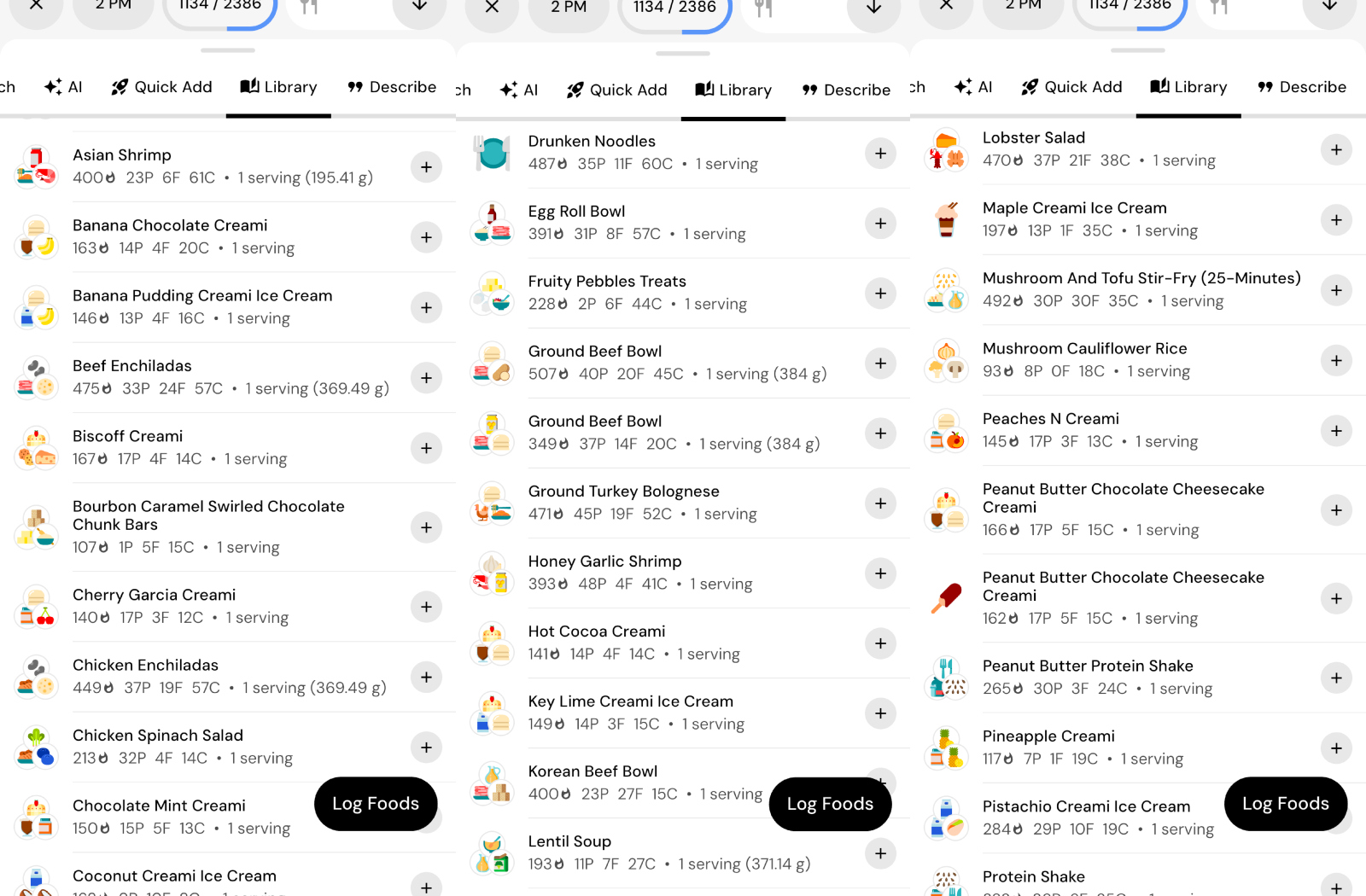
To create or save a new recipe within MacroFactor you hit the ‘+’ button in the bottom/center of the screen, tap the ‘recipes’ tab. From there you will see a list of your previously saved/existing recipes. To add a new one you click the ‘+’ button to the right of the ‘favorites’ heart. Then you have three options: Build From Scratch, Import from Link, and Import with AI.
The first one is self-explanatory. That involves typing in the recipes name, each ingredient, etc. It’s fantastically easy and the library of ingredients in there is massive.
In my house we often cook from recipes we find in the internet so ‘Import from Link’ is huge. If I found a recipe on a website I can just copy/paste the URL into MacroFactor and it pulls the full recipe and portion sizes for me to save. It’s brilliant.
The third option, Import with AI, enables you to save a recipe using a photo, text, or both. If someone has a recipe saved on their phone they can screenshot that to you and you can upload the picture. If you have a cookbook you can snap a picture of the ingredients and that works. There are so many different ways to utilize the recipe saving within MacroFactor and all of them are designed to ensure your tracking is as accurate as possible.
5. A Smart Weight Scale
iStockphoto / tortoon/Cass Anderson/BroBible
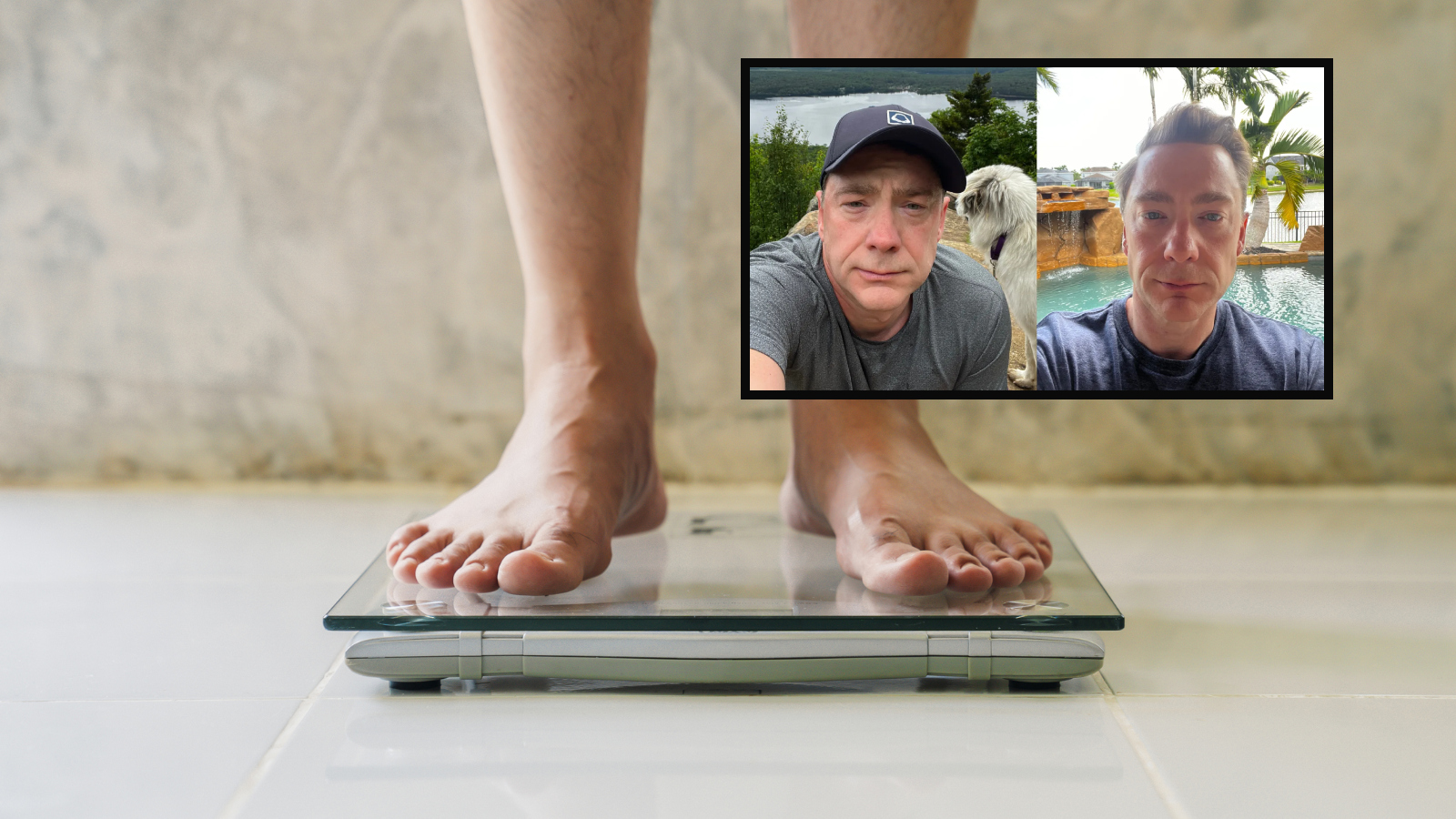
One huge component of losing weight healthily with MacroFactor is consistency, and that starts each morning when you wake up and weigh yourself (after using the bathroom). The idea here is to keep the measurement as consistent as possible, day after day. If you are using different scales the measurements might be slightly off.
The actual accuracy of smart scales, and how valuable they are at detecting things such as body fat / body composition, is suspect to the point that MacroFactor has published articles on the topic. But we are talking about being accurately consistent, not necessarily accurate. If your scale is consistently heavy or light by 0.5 pounds then it is still the same day after day. What you do not want is two separate scales taking drastically different measurements. Also, make sure your scale is on solid ground and not carpet. I learned that lesson the hard way last Summer when I thought I’d seen a huge dip in weight only to realize carpet was throwing my measurement way off.
At home, I have a RENPHO Smart Scale bought off Amazon for $24.99. It’s accurate, it syncs with my phone, and does everything I need. You can spend a LOT of money on smart scales if you want but the reality is they will never be anywhere near as accurate as a DEXA scan so save yourself the money. Just buy something cheap and consistent so you can track your progress.
Download the MacroFactor App For iPhone or Android – use code ‘brobible’
6. Find An Accountability Partner

Cass Anderson / BroBible
Losing weight through a caloric deficit is tough. It requires patience and trusting the process. Logging meals, snacks, and any extraneous calories. Weighing yourself daily. Allowing the MacroFactor app to make adjustments to your expenditure and macro recommendations throughout.
This process is a LOT easier when done with someone else in your life. I was fortunate enough to have my wife alongside me for this journey but I roped my best friend into the process as well. We might live on opposite sides of the country these days but we text every morning with updates on our progress, regularly exchange ideas on how to pump up our expenditure through lifting, recipes we’ve been loving, etc.
It really makes the entire process go a lot smoother when you have someone else to bounce ideas, progress, and feedback off. Find that person in your life. If that person doesn’t exist, hit up the MacroFactor subreddit or dedicated Facebook group where there are thousands upon thousands of other people going through it as well!
Ready to get started for yourself? We’ve got you covered! You can download the MacroFactor Workouts app by following any of the links throughout this article. Using the promo code ‘BROBIBLE‘ you will receive a 2-week free trial. That is plenty of time to know whether or not this app will be right for you.