



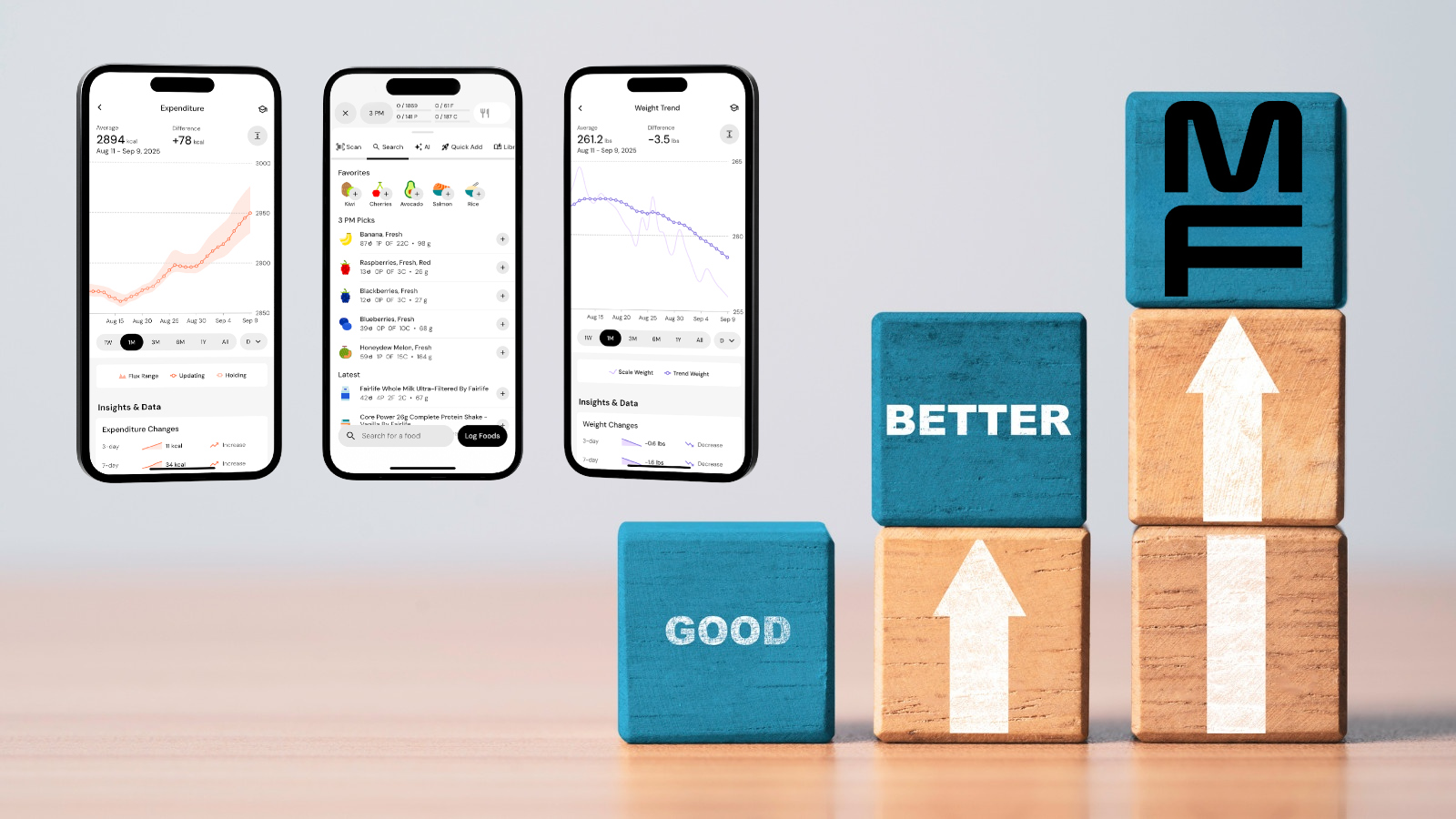
MacroFactor/iStockphoto/Dilok Klaisataporn
We live an age of abundance with endless options everywhere we look. But what’s most popular is rarely the best and that is what we are going to dive into today, why MacroFactor (the best) is demonstrably superior to MyFitnessPal (the most popular).
As I have written about extensively here in the past, I’m a massive believer in MacroFactor as it helped me go from ~200lbs to 152lbs last year and get in the best shape of my life, but MyFitnessPal remains the most popular free calorie logger around so it is worth comparing them side-by-side to see which is better, and why.
Download the MacroFactor App For iPhone or Android – use code ‘brobible’
MacroFactor vs MyFitnessPal: A Clear Winner
At their core, both MacroFactor and MyFitnessPal are calorie-logging apps. The goal is to gain a clear picture of your daily caloric intake by tracking what you eat, and if your goal is to lose weight they both help you maintain a caloric deficit until you reach your goal. Conversely, if the goal is to bulk up the apps can be used that way as well.
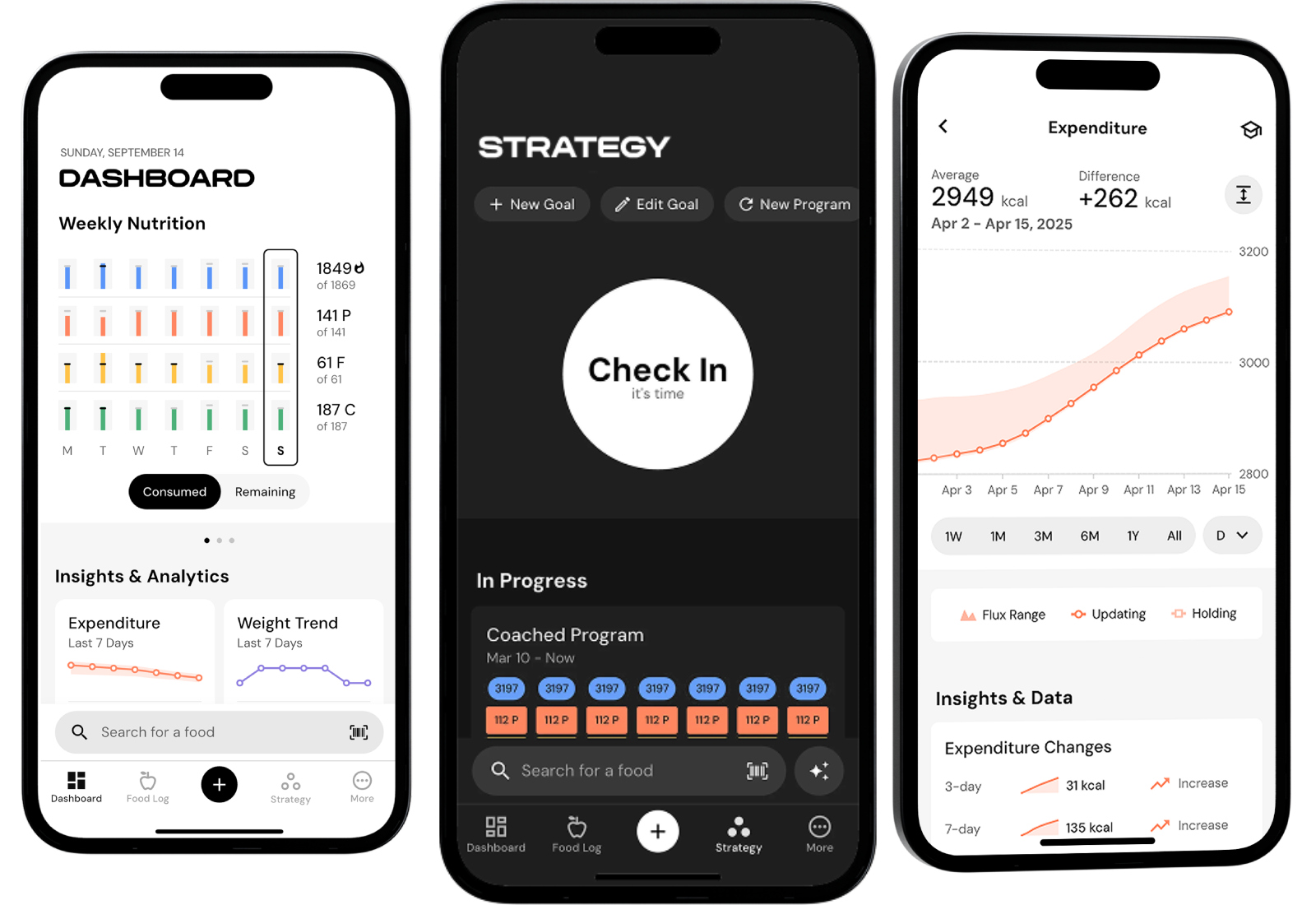
Where they differ is MacroFactor offers a Coached-style approach while MyFitnessPal is a straight-forward food logger. With, MacroFactor you choose the weight you would like to reach, how much weight you would like to lose each week, and then every Monday it updates based on your progress.

Cass Anderson / BroBible
As you lose weight, you Total Daily Energy Expenditure (TDEE) goes down. Think about it like this: when you first start out you are wearing a 20lb weighted vest (body fat) and as that weight disappears over time your body is burning fewer calories. MacroFactor’s dynamic algorithm tracks your actual daily weight loss and predicts your Total Daily Energy Expenditure based on the data you feed it each day: weight + everything you eat.
All of that is left up to guesswork on MyFitnessPal and to me, that is reason enough to choose MacroFactor over MyFitnessPal. But there are plenty of more reasons to choose one app over the other so let’s get into it!
Download the MacroFactor App For iPhone or Android – use code ‘brobible’
Speed Matters
Cass Anderson / BroBible
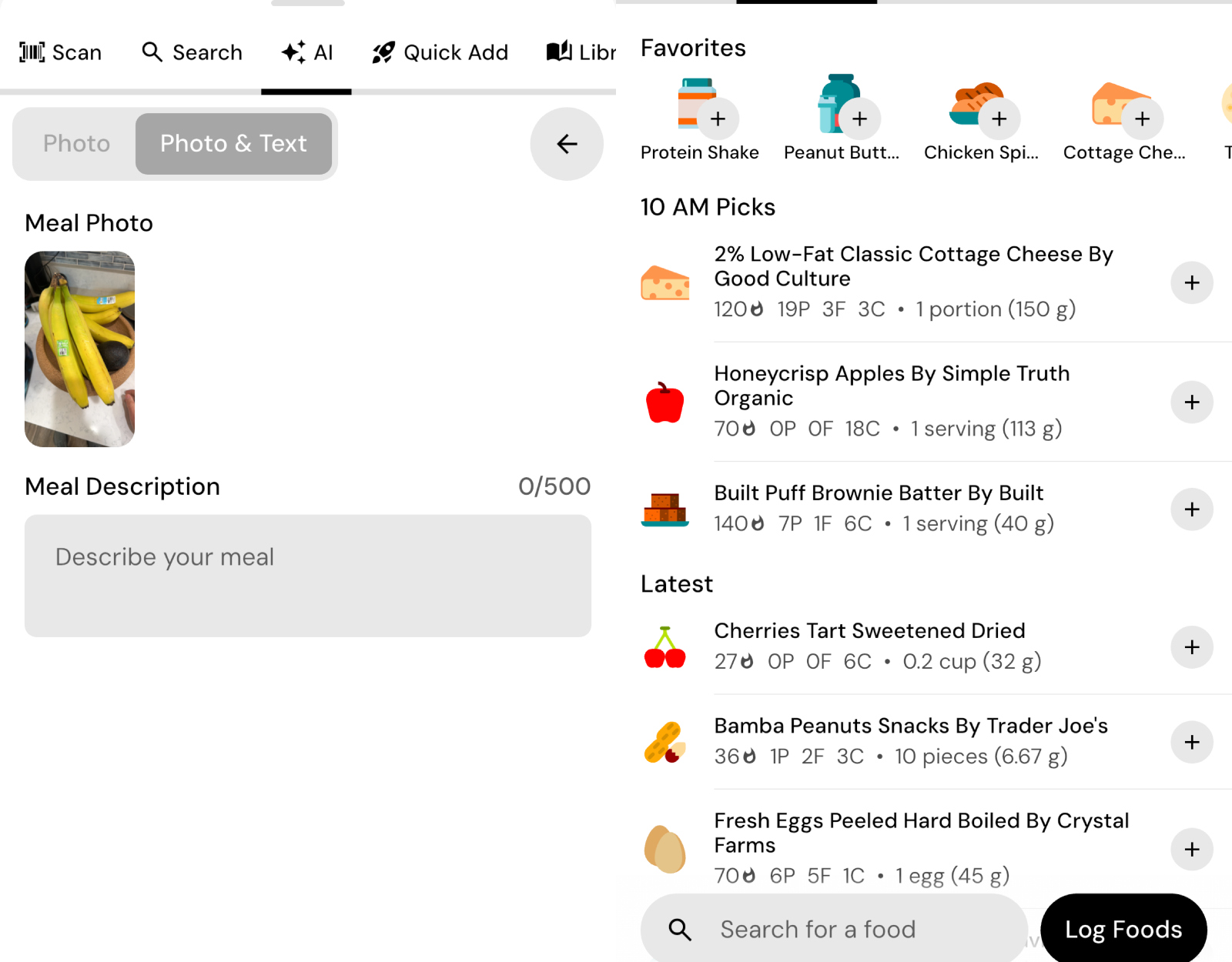
In a head-to-head comparison of real-world usage, MacroFactor smoked MyFitnessPal. MacroFactor users, on average, had 50% fewer taps/clicks logging meals than MyFitnessPal users. 50% ADDS UP over the course of a year!
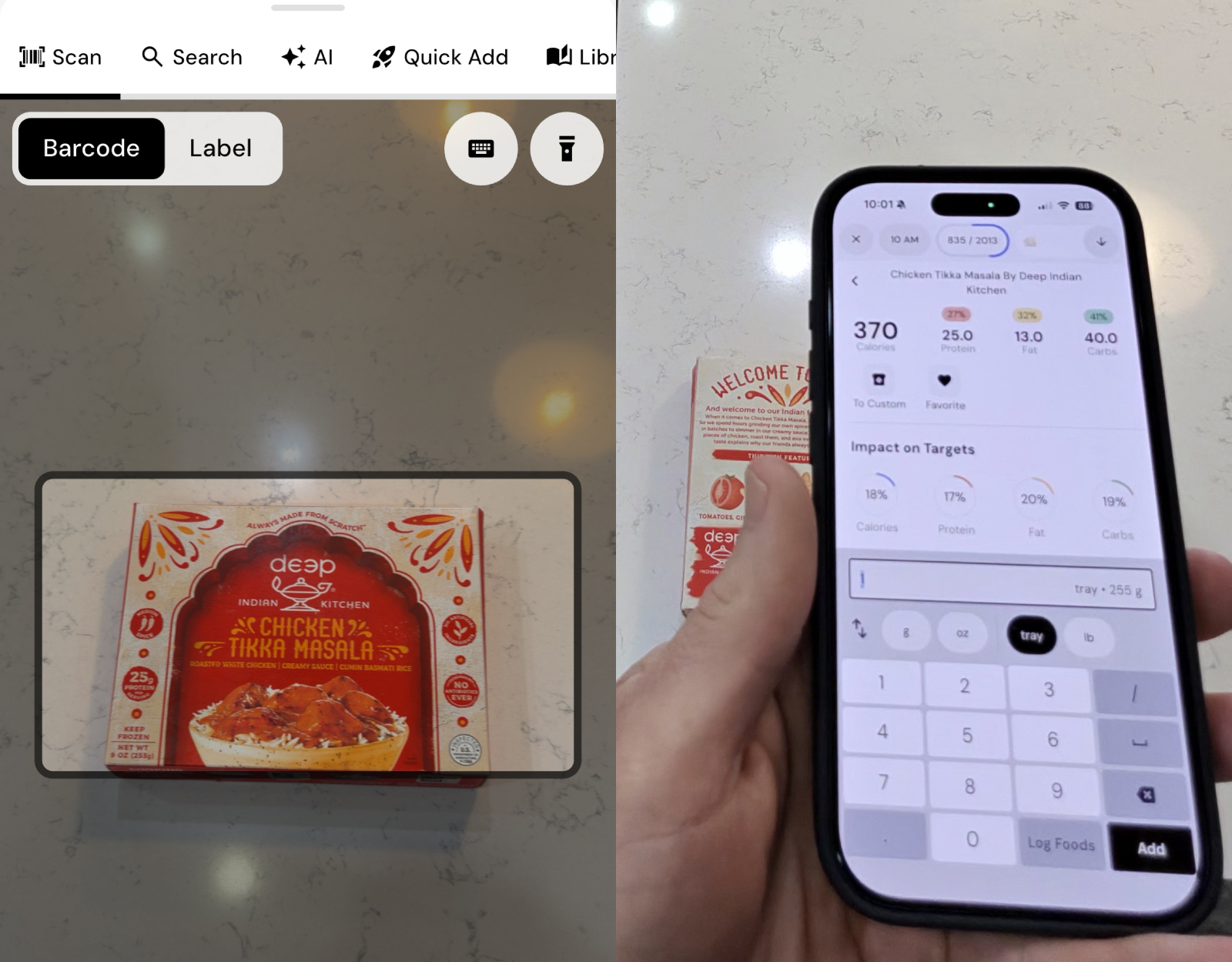
MacroFactor is set up in a way that streamlines the process for users. They can type in the food manually to pull from the database of millions of foods. They can take a picture of the plate and MacroFactor’s AI will analyze everything and predict the calories/macros. There is a barcode scanner which is lightning fast. A favorites screen pulls up recent food items and most-commonly eaten. MacroFactor has a ‘describe’ option where users can type out what you are eating and let the app do the rest, and a ‘quick add’ option if you already know the calories and macros. And a favorite of mine is if a recipe is online you can copy/paste the URL into MacroFactor and it pulls the calories/macros based on the available information.
While MyFitnessPal has some of that functionality in its paid/premium tier, MyFitnessPal’s app has a focus on social features, streaks, and community building while MacroFactor hones in on the data and habits that matter the most.
I mentioned the head-to-head comparison before but here is how it actually breaks down… When users log food through the search function it requires, on average, 10 actions for MacroFactor versus 15 on MyFitnessPal. Logging multiple items takes 6 actions on MacroFactor versus 9 on MyFitnessPal. The barcode scanner is 5 actions on average on MacroFactor versus 7 on MyFitnessPal, and 3 vs 5 for ‘quick add.’ In total, that’s 24 actions versus 36, on average. So if you prefer a streamlined approach then MacroFactor is the clear winner. But it’s not all about speed, right?
Download the MacroFactor App For iPhone or Android – use code ‘brobible’
Head-to-Head Feature Comparison
MacroFactor
MyFitnessPal’s premium/paid tier offers a lot of fantastic features but it still falls well short of MacroFactor. Both apps have the following features:
AI logging from photos, AI logging using voice or text, Barcode scanner, Custom foods, Custom recipes, Flexible copy and paste (foods, meals, days), Recipe importer, Smart history / recent foods, Custom food and recipe sharing, Watch app, Widgets.
Those are the features they share, but MacroFactor offers A LOT more. Here are features that MacroFactor has but MyFitnessPal does not:
Customizable quick actions, Dashboard customization, Food favoriting, Food logger customization, Food timeline customization, Nutrition label scanner, Recipe explode / expandable recipes, and Timeline-style food log.
Once again, MacroFactor is the clear winner when it comes to features and functionality.
Database: Quality vs Quantity
Cass Anderson / BroBible
MyFitnessPal does have an edge over MacroFactor when it comes to the size of its food database. MyFitnessPal has the largest database of any food app with over 20 million items. MacroFactor’s has around 1.36 million through the search function and an additional 4 million through the barcode search.
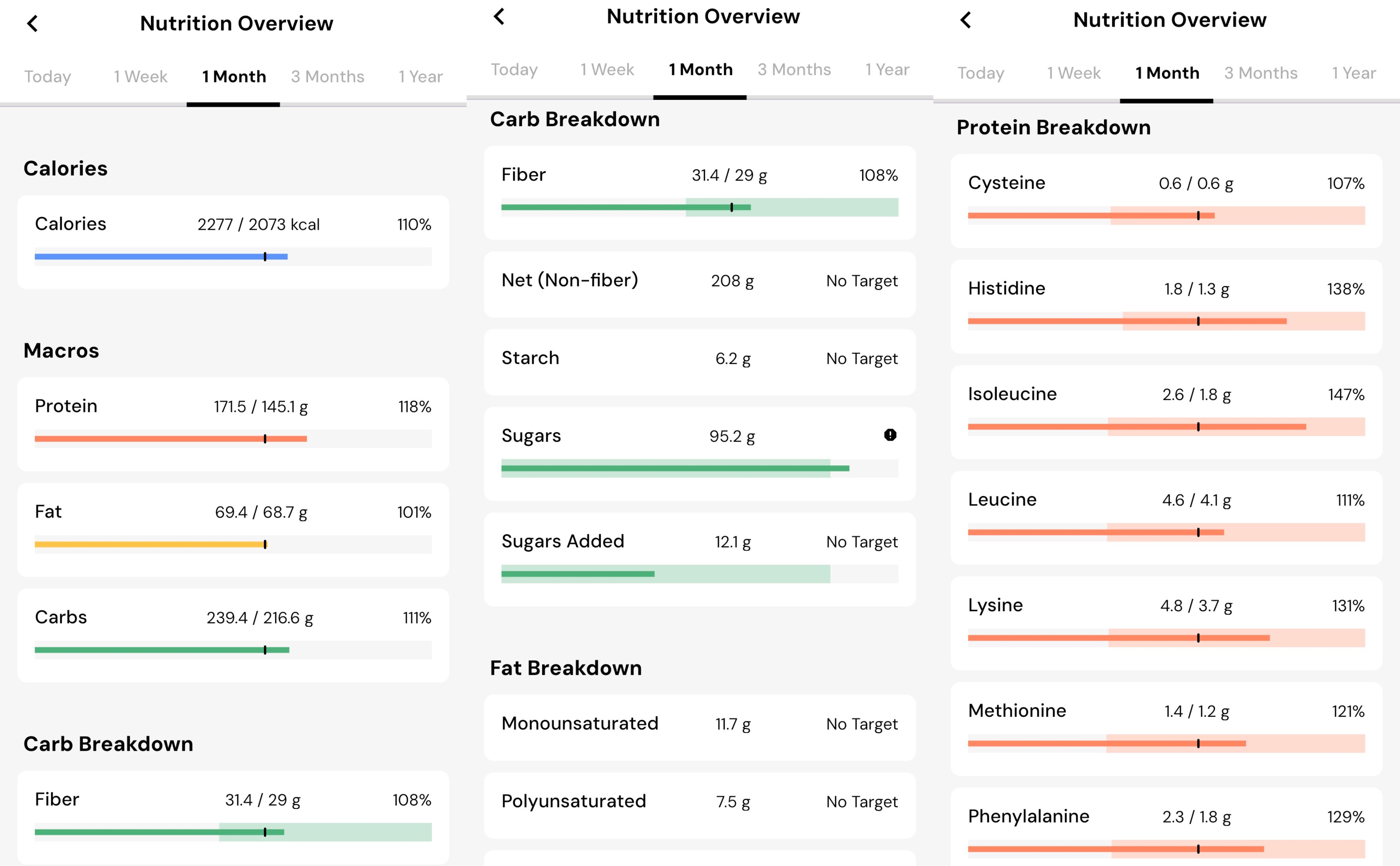
But when it comes to the actual quality of the database and what is being tracked the comparison isn’t even close. That is because MacroFactor tracks 54 items (macronutrients, micronutrients, etc) versus just 14 with MyFitnessPal.
Cass Anderson / BroBible
In my own experience, despite eating healthily day to day I found I was missing out on Vitamin B and certain Omegas so I was able to adjust my weekly diet accordingly to ensure I was meeting my recommended daily intake across the board. On top of ensuring I’m hitting my daily protein goals, knowing that I was meeting my daily/weekly/monthly recommended fiber has also been a fantastic benchmark to hit and aim for each week.
Download the MacroFactor App For iPhone or Android – use code ‘brobible’
Measuring Progress: MacroFactor versus MyFitnessPal
Cass Anderson / BroBible
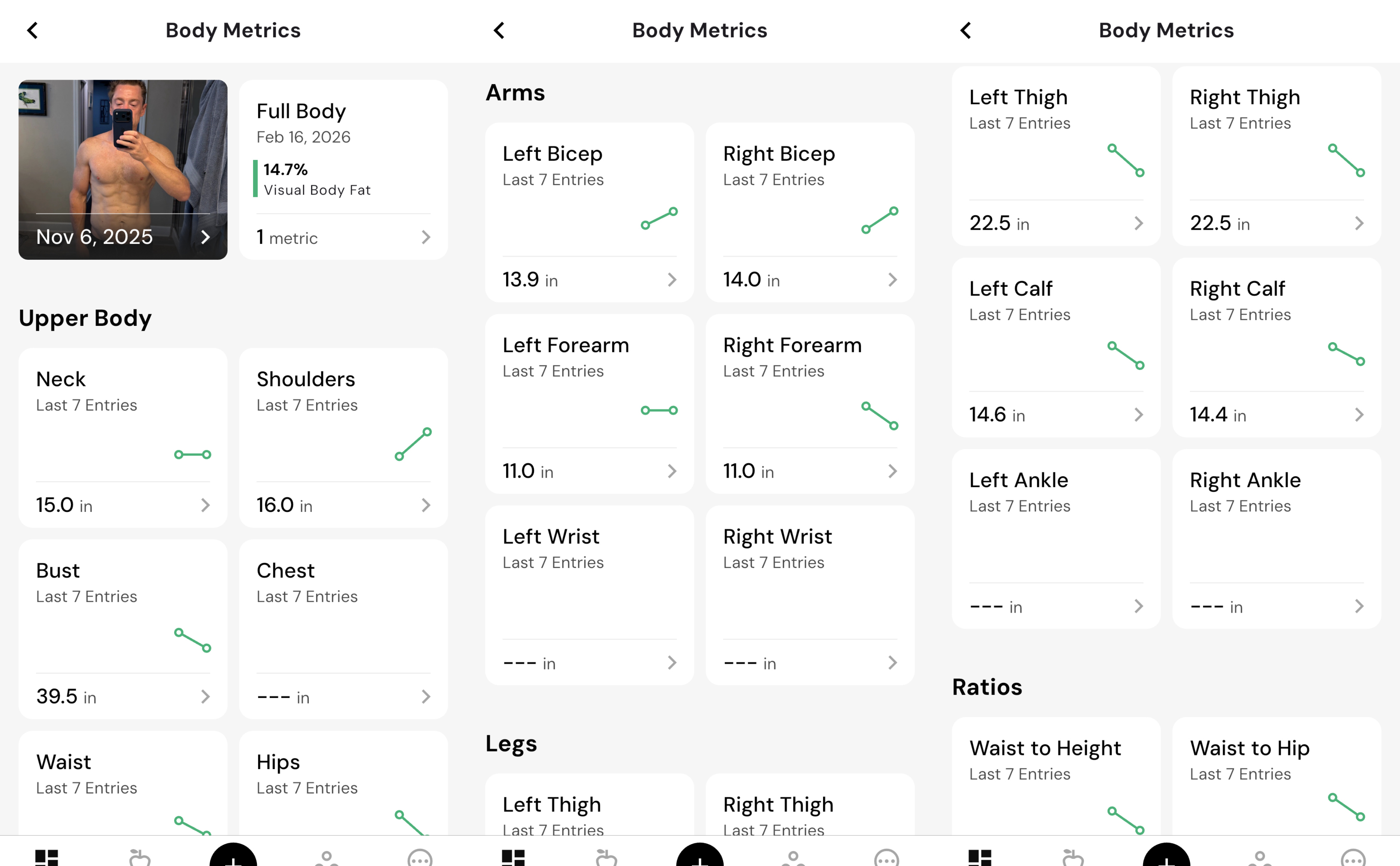
Once again, this is a pretty straight-forward feature comparison. Let’s first take a look at the features both apps have:
Body measurements, Daily / weekly / monthly intake versus targets, Habit and streak tracking, Progress photos, and Progress toward goal completion.
Those are great! But there are a LOT more features on MacroFactor that won’t be found on MyFitnessPal. These are the additional features found on MacroFactor:
Daily / weekly / monthly intake versus expenditure, Expenditure tracking and updated estimates, Full micronutrient reporting, Customizable nutrient focus widgets, Period tracking, Sophisticated weight trending, and Top contributors for each nutrient.
That last one is fun because as I’m logging throughout the day/week I can see which meals helped me reach my Protein/Carb/Fat goals the most.
From here, I could dive into how insanely positive and helpful the MacroFactor community is across the board… On Facebook, in the subreddit, and elsewhere on social media. But the fact of the matter is the app is 100% worth giving a shot because with the promo code ‘BROBIBLE’ you will receive a 2-week free trial. Two full and fruitful weeks to test the app out and see if it’s for you.
Give it a shot, then shoot me an email to cass@brobible.com and let me know how it went because as I’ve said before this app changed my life and I’m confident it can change the lives of yours as well.